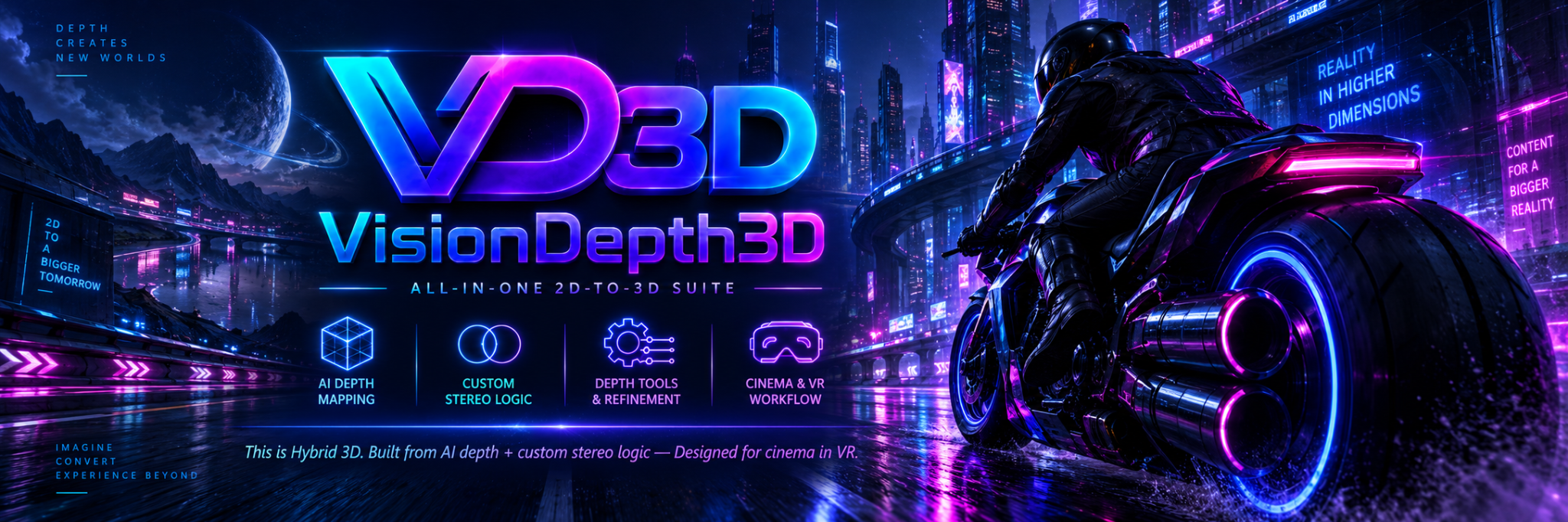
VisionDepth3D
A downloadable All in One 2D-3D Suite for Windows
VisionDepth3D – Hybrid 2D-to-3D Converter
Convert any 2D video into immersive stereoscopic 3D using AI-powered depth estimation, real-time preview, and fully customizable stereo controls — all built for creators, VR tinkerers, and 3D enthusiasts.
Whether you're producing content for VR headsets, YouTube 3D, or your own Blu-ray collection, VisionDepth3D delivers sharp, artifact-free 3D with GPU-accelerated tools and formats for every workflow.
Powered by the VisionDepth3D Method
At the core of this app is the VisionDepth3D Method — a custom real-time rendering technique designed to produce smooth, eye-comfortable stereo from AI depth maps.
Features include:
-
Dynamic parallax scaling
-
Zero-parallax tracking
-
Edge-aware masking
-
Scene-aware stereo dampening
If you're curious how it works or want to dive deeper into the stereo math, check out the official write-up:
📄 Read the Method → VisionDepth3D_Method.md
Features
-
AI Depth Estimation — Supports 20+ models (DPT, MiDaS, Depth Anything v2, etc.) with CUDA acceleration
-
Batch Processing — Smart VRAM-aware queueing for images & video
-
3D Output Modes — Half-SBS, Full-SBS, Interlaced, Anaglyph
-
Frame Interpolation — Smooth motion via ONNX RIFE (2×–8×)
-
Super Resolution — Real-ESRGAN upscaling (4× from 1080p to 4K)
-
Parallax Tuning — Independent controls for foreground, midground, and background depth
-
Smart Mask Effects — Built-in feathering and ghost suppression
-
Audio Tools — Attach AAC, MP3, or WAV using the FFmpeg GUI
-
Live Feedback — Real-time FPS, ETA, pause/resume/cancel
-
Preview Modes — Heatmap, SBS, Anaglyph, Interlaced
-
Built-in 3D Player — Scrub preview frames in VR, SBS, and more
-
Export-Ready — Output for YouTube 3D, Oculus Quest, and MP4/MKV/AVI with GPU encodin
If you find it helpful, consider donating — every bit goes toward:
-
New hardware for testing
-
Supporting more depth models
-
Continued updates and features
Thanks for supporting open 3D tools! 💙
VisionDepth3D Setup Instructions
This tool is a Setup Downloader. It downloads the official VisionDepth3D installer files and then launches the setup wizard.
How to install VisionDepth3D
-
Open the VisionDepth3D Setup Downloader
-
Select the latest release from the list.
-
Click Launch INNO Installer after download.
(Optionally click open install folder to view installed VD3D Program)
Click Install
-
-
The setup files will download automatically
-
When finished, the VisionDepth3D setup window (Inno Setup) will open.
-
Do not re-run the Setup Downloader after this point.
-
-
Complete the setup wizard
-
Choose where you want VisionDepth3D installed.
-
Follow the on-screen steps until installation is complete.
-
-
Launch VisionDepth3D
-
If prompted, you may launch VisionDepth3D immediately after setup.
-
Otherwise, open it from the Start Menu or Desktop shortcut created during setup.
-
-
(Optional) Clean up installer files
-
After installation, you may use the “Delete Detup files” button in the Setup Downloader to delete the downloaded setup files.
-
This does not remove VisionDepth3D itself.
When Installing a new version of VD3D click Uninstall VD3D to start the INNO uninstall process to update to a new version
-
Important notes
-
This Setup Downloader is not the VisionDepth3D application.
-
Once installation is complete, you should launch VisionDepth3D from the Start Menu or Desktop, not by re-running the downloader.
-
If VisionDepth3D does not open from Program Files, install it to Documents or another user folder to avoid Windows permission issues. or try running the application as admin by right clicking and selected Run as administrator.
License Notice:
VisionDepth3D is free to use for personal and non-commercial projects only.
Commercial use, modification, or redistribution is not permitted without prior written consent.
Full license terms available in the GitHub repository.
Download
Click download now to get access to the following files:
Development log
- VisionDepth3D - Release v5.215 days ago
- VisionDepth3D - Release v4.2.1Jun 02, 2026
- VisionDepth3D - Release v4.2May 28, 2026
- VisionDepth3D - v4.1.1May 20, 2026
- VisionDepth3D - Release v4.1May 16, 2026
- VisionDepth3D - Release v3.8Dec 18, 2025
- VisionDepth3D - Setup Downloader UpdateDec 14, 2025
Comments
Log in with itch.io to leave a comment.
59.99달러에 구매를 했는데 라이센서 키를 입력 하라고 나오고
3분 미리 보기밖에 변환만돼고 이메일 보냈는데 답변도 없고
빨리 라이선스 키를 이메일로 보내서 pro버젼으로 활성화 해주세요..
답답해 죽겠어요... ㅜㅜㅜ
안녕하세요! 확인해보니 $59.99 결제는 VD3D Pro 라이선스 구매가 아니라 itch.io의 팁(Tip) 으로 결제되었습니다. 그래서 Lemon Squeezy 라이선스 시스템에서 자동으로 라이선스 키가 생성되지 않았습니다. 하지만 걱정하지 마세요. 결제 내역을 확인한 후 Pro 라이선스를 사용할 수 있도록 도와드리겠습니다. 이메일로도 다시 확인해서 답변드리겠습니다. 불편을 드려 죄송합니다!
안녕하세요! 라이선스 키를 이메일로 보내드렸습니다. VD3D를 실행한 후, 화면 오른쪽 상단에 있는 “Free Version” 버튼을 클릭해 주세요. 그 다음 이메일로 받은 Activation Key / License Key를 입력하고 “Activate License” 버튼을 클릭하면 됩니다. 정상적으로 활성화되면 프로그램이 즉시 Pro 버전으로 전환되어야 합니다. 만약 이메일이 보이지 않는다면 스팸/정크 메일함도 확인해 주세요. 그래도 문제가 있으면 다시 알려주세요!
고맙습니다 라이선스 키 입력 하니까 이제 pro버젼으로 바뀌였읍니다
감사 합니다..^^